Quickstart: Demo Data
Generate your first document in under 5 minutes using our demo dataset based on Jaffle Shop – to get a feel of what Motley can do.
1. Create an account
Go to app.motley.ai and sign up with your work email. After verifying your email you land directly in the app.
If your organisation already uses Motley, ask an admin to invite you.
2. Load the demo dataset
On the welcome screen, click Explore demo.
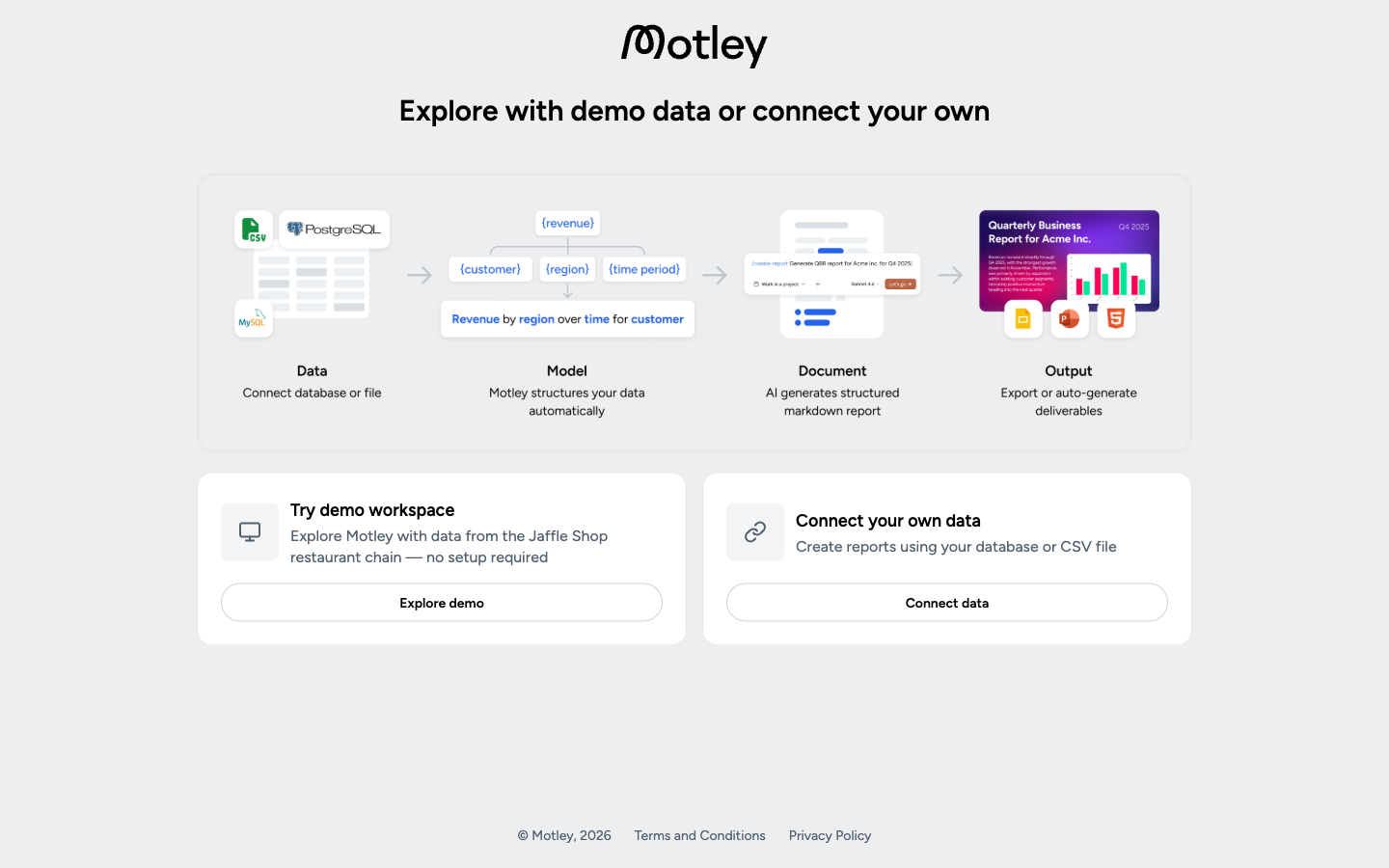
Once loaded, the demo source appears on the Data Sources page like any other source. You can open it, inspect the tables and models and make changes to the semantic layer definition.
Motley will load the demo data in the background and will take you to the Plugin setup page once it's ready.
3. Install the Claude plugin
Follow the installation steps. This takes about 2 minutes.
4. Generate your first document
Start a new Claude conversation and try:
"Build a report on the demo data — show me what Motley can do."
Claude queries the Jaffle Shop dataset and returns a link to the generated Motley document, along with a Markdown version of the report inline in the conversation.
What's next
- Open the document link to review the queries and explore what was generated
- Try more specific prompts:
"Show monthly revenue and order count for the last 6 months" - Connect your own data when you're ready