Data Sources
A data source is a connection between Motley and your data. Every chart, table, and AI-generated insight in a Motley document is backed by a query against a source.
Source types
| Type | Best for |
|---|---|
| File upload | CSV or Excel files with a snapshot of your data. |
| Database | Live data from a MySQL or PostgreSQL database. Motley queries it at document generation time so results always reflect the latest data. |
Managing your data sources
The Data Sources page lists all connected sources.
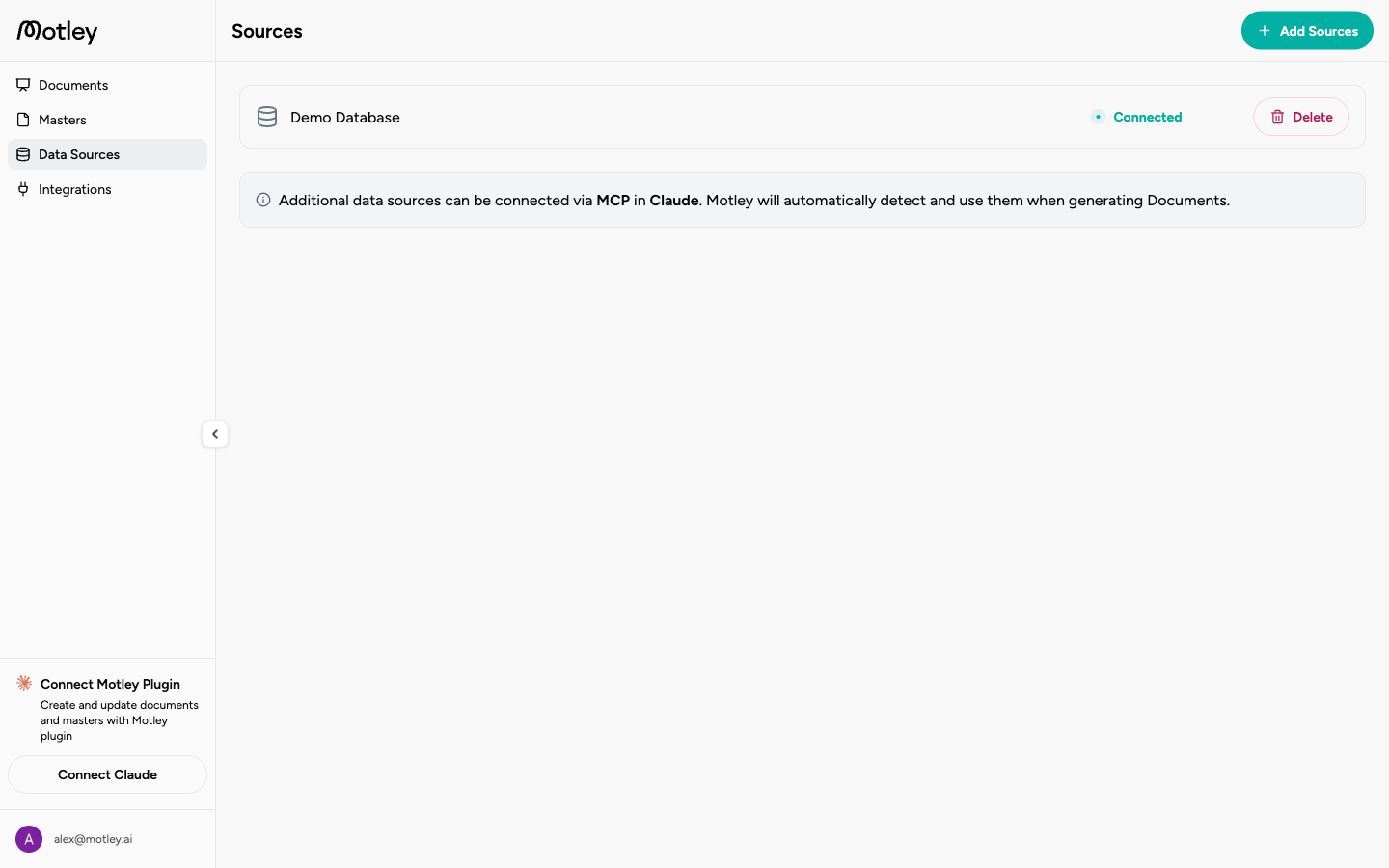
From here you can open a source to inspect its tables and models, add a new source, or delete an existing one.
Setting up a source
See the following pages for detailed instructions on setting up a data source in Motley:
- Uploading Files: CSV or Excel
- Connecting a Database: MySQL or PostgreSQL
After connecting
Once a source is connected and ingestion completes, Motley automatically generates a semantic layer. You can edit it in the UI or by prompting an agent. Learn more on the Semantic Layer page.